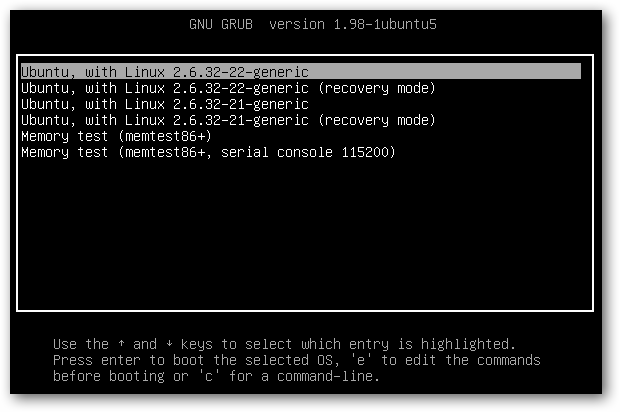
Editing the boot menu was easy. I probably even took a couple unnecessary steps to get my desired results. I wanted Windows XP to be at the top of the boot menu list on start up. All you have to do is edit the Grub.cfg file located in boot/grub/...
However, the file itself is read only so editing it is easier if open the terminal and type in
sudo gedit path-to-grub.cfg
There you will find many blocks of code. Each block of code represents a start up option and the first block of code is the default operating system to boot if you do not specify otherwise on start up. All you have to do is look for the Windows XP block of code and copy paste it to the top (after the comment lines that appear next to the pound characters - not before).
